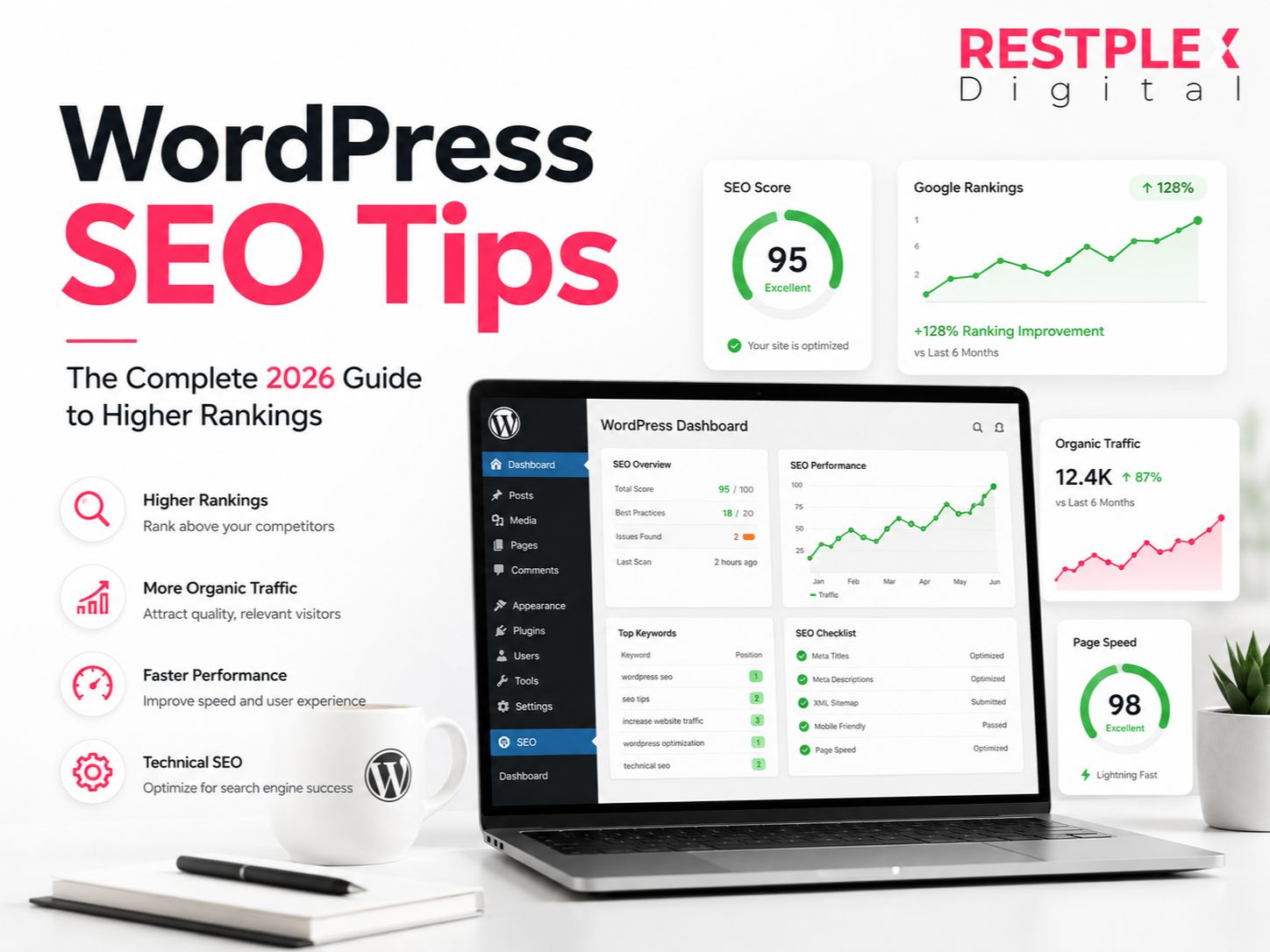
WordPress SEO Tips: The Complete 2026 Guide to Higher Rankings
- June 16, 2026
Introduction
Most WordPress websites never reach the first page of Google, even after publishing dozens of articles. The reason is simple: SEO involves much more than creating content. Site speed, technical setup, internal linking, user experience, and AI search optimization all play a major role in rankings. Over the past few years, search engines have become smarter, and websites that focus on quality, structure, and user value consistently outperform competitors. This guide covers the most effective WordPress SEO tips for 2026 and shows how to build a website that attracts long-term organic traffic.
Key Takeaways
- Build your site on a fast hosting provider and lightweight theme.
- Use one SEO plugin and configure it properly.
- Optimize titles, headings, URLs, and images for search engines.
- Improve Core Web Vitals and overall user experience.
- Create AI-friendly content that can appear in AI Overviews and featured snippets.
Looking for WordPress website development in Khulna? Learn more about 2026 costs, top agencies, and expert tips to create a professional website for your business.
Set Up a Strong SEO Foundation
Every successful SEO strategy starts with a strong technical foundation. Before creating content, choose a lightweight WordPress theme such as Astra, GeneratePress, or Kadence. Heavy themes often load unnecessary scripts that slow down your website.
Hosting is equally important. A fast host improves loading speed, security, and uptime. Managed WordPress hosting providers typically deliver better performance than low-cost shared hosting plans.
From personal experience managing WordPress websites, one of the most common ranking issues is poor hosting. In several projects, simply moving to a faster hosting environment improved page speed scores significantly and helped increase organic traffic over the following months.
You should also:
- Enable automatic WordPress updates.
- Install an SSL certificate.
- Use SEO-friendly permalinks.
- Set up Google Search Console and Google Analytics.
- Create and submit an XML sitemap.
A strong foundation makes every future SEO effort more effective.
Choose the Right SEO Plugin
An SEO plugin helps manage technical SEO without requiring coding knowledge.
Best for beginners who want guided optimization recommendations and a simple interface.
A popular choice for advanced users because it includes schema markup, keyword tracking, and SEO analysis tools in the free version.
Well-suited for businesses, local SEO campaigns, and WooCommerce stores.
SEOPress
A lightweight alternative preferred by agencies that manage multiple websites.
Plugin Comparison
| Plugin | Best For | Free Features |
|---|---|---|
| Rank Math | Advanced Users | Excellent |
| Yoast SEO | Beginners | Good |
| AIOSEO | Businesses | Very Good |
| SEOPress | Agencies | Excellent |
Use only one SEO plugin at a time. Installing multiple SEO plugins often creates duplicate sitemaps, conflicting schema markup, and indexing issues.
Optimize On-Page SEO Elements
On-page SEO remains one of the most important ranking factors.
Follow these best practices:
Title Tags
Place your primary keyword near the beginning of the title whenever possible.
Example:
Good: WordPress SEO Tips: Complete Guide for Beginners
Meta Descriptions
Write compelling descriptions that encourage users to click from search results.
Headings
Use:
- One H1 per page
- Multiple H2s for major sections
- H3s for supporting topics
URLs
Keep URLs:
- Short
- Descriptive
- Lowercase
- Free from unnecessary words
Example:
Good: yoursite.com/wordpress-seo-tips
Bad: yoursite.com/the-complete-guide-to-learning-wordpress-seo-for-beginners-in-2026
Images
Every image should include:
- Descriptive file names
- Alt text
- Compressed file sizes
Image optimization improves both SEO and accessibility.
Improve Site Speed and Core Web Vitals
Google continues to prioritize user experience metrics.
The three Core Web Vitals are:
Largest Contentful Paint (LCP)
Measures loading performance.
Interaction to Next Paint (INP)
Measures responsiveness.
Cumulative Layout Shift (CLS)
Measures visual stability.
To improve these metrics:
- Convert images to WebP or AVIF format.
- Enable page caching.
- Use a Content Delivery Network (CDN).
- Remove unused plugins.
- Minify CSS and JavaScript files.
- Enable lazy loading for images.
Regularly test your website using Google PageSpeed Insights and monitor improvements after major changes.
Strengthen Internal Linking and Fix Technical Errors
Internal linking helps search engines discover content and understand relationships between pages.
A practical rule is to add at least two or three relevant internal links in every new article.
For example:
- Service page → Blog article
- Blog article → Related blog article
- Category page → Important content
Additionally, monitor technical SEO issues regularly.
Common issues include:
- Broken links
- 404 errors
- Redirect chains
- Duplicate content
- Crawl errors
Use Google Search Console to identify and fix these problems before they affect rankings.
Optimize for AI Search and Featured Snippets
Search is changing rapidly.
Google AI Overviews, ChatGPT Search, Perplexity AI, and other AI-powered search systems increasingly pull information directly from websites.
To improve visibility in AI-generated results:
Answer Questions Directly
Provide concise answers immediately after headings.
Use Structured Content
Include:
- Numbered lists
- Bullet points
- Tables
- FAQs
Add Schema Markup
Schema helps search engines understand content more accurately.
Include Real Data
AI systems prefer content supported by facts, statistics, and practical examples.
Demonstrate Experience
Share firsthand knowledge, case studies, and real-world results whenever possible.
Websites that clearly answer questions and provide trustworthy information are more likely to appear in AI-generated summaries.
Learn more: How to Appear in ChatGPT and Perplexity Results
WordPress SEO Checklist
Use this checklist before publishing content:
✅ Install one SEO plugin
✅ Create an XML sitemap
✅ Submit sitemap to Google Search Console
✅ Use SEO-friendly permalinks
✅ Optimize title tags
✅ Write unique meta descriptions
✅ Add schema markup
✅ Compress images
✅ Improve Core Web Vitals
✅ Create internal links
✅ Fix broken links
✅ Enable HTTPS
✅ Optimize mobile usability
✅ Add image alt text
✅ Monitor Search Console regularly
Learn more about how to build a WordPress website in 9 steps.
Pros and Cons of Using a WordPress SEO Plugin
Pros | Cons |
|---|---|
Automates SEO tasks | Some advanced features require paid plans |
Creates XML sitemaps | Poor configuration can cause issues |
Simplifies schema markup | Multiple plugins may conflict |
Improves on-page optimization | Requires ongoing updates |
Saves time for beginners | Cannot replace quality content |
Top Benefits of Following WordPress SEO Best Practices
- Higher search rankings.
- Increased organic traffic.
- Better user experience.
- Improved website speed.
- Greater visibility in AI search results.
- More qualified leads and customers.
- Stronger website authority.
- Long-term traffic growth without ongoing advertising costs.
Common Myths About WordPress SEO
Myth: More SEO plugins improve rankings.
Fact: One properly configured plugin is usually enough.
Myth: Keyword density determines rankings.
Fact: Search intent and content quality matter far more.
Myth: WordPress is bad for SEO.
Fact: WordPress powers many of the world’s highest-ranking websites.
Myth: A sitemap guarantees indexing.
Fact: A sitemap helps discovery but does not guarantee indexing.
Myth: AI search makes SEO irrelevant.
Fact: AI systems still rely heavily on well-optimized, authoritative content.
Myth: Changing URLs has no impact.
Fact: URL changes without proper redirects can cause ranking losses.
Conclusion
WordPress SEO in 2026 is about creating a fast, trustworthy, and user-focused website. Strong hosting, a lightweight theme, proper plugin configuration, optimized content, and technical SEO all work together to improve rankings. As AI-powered search continues to evolve, websites that provide clear answers, structured information, and real expertise will have the greatest advantage. Start with the foundation, follow the best practices outlined in this guide, and consistently improve your site to build sustainable organic traffic for years to come.
Frequently Asked Questions (FAQs)
Most websites see noticeable improvements within three to six months. Competitive industries may take longer.
Both are excellent tools. Rank Math offers more free features, while Yoast provides a simpler experience for beginners.
Not necessarily. Most small business websites can achieve strong results using free versions.
Ignoring technical SEO issues such as slow hosting, poor site speed, and broken links.
No. WordPress is SEO-friendly, but optimization still requires proper setup and ongoing management.
Yes. With a quality SEO plugin and a structured approach, beginners can successfully optimize their websites.
Share
Article by

Mehedi Hasan Juwel
Digital Marketing Strategist