
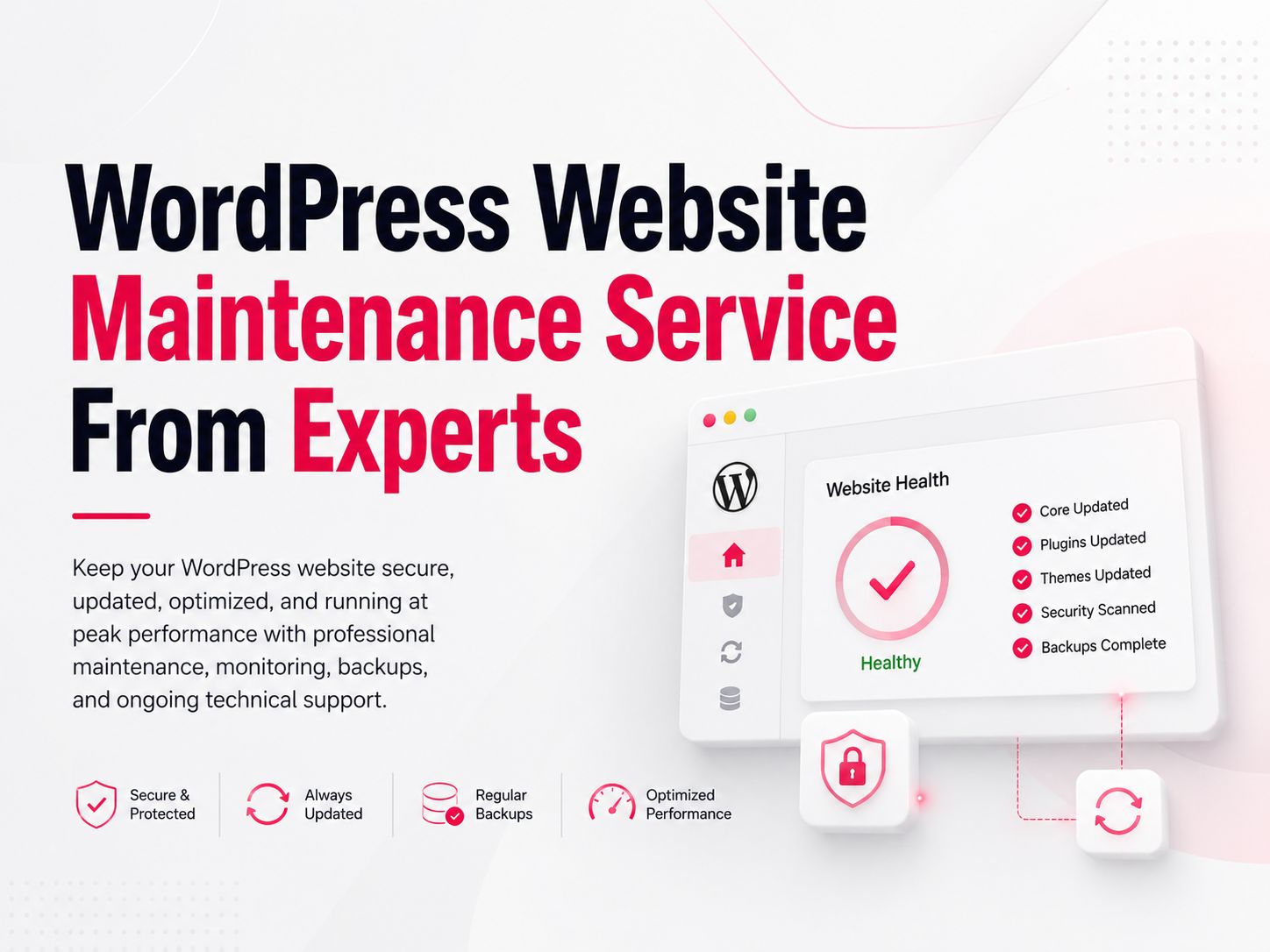
WordPress Website Maintenance Service From Experts
- July 2, 2026
Website Maintenance Services for WordPress in 2026
Your WordPress site doesn’t break all at once. A plugin goes out of date, a security patch gets missed, and three months later you’re staring at a hacked homepage or a site that takes nine seconds to load. A WordPress maintenance service exists to catch these problems before they become emergencies, not after.
What Is a WordPress Maintenance Service?
A WordPress maintenance service is an ongoing arrangement where a team or specialist handles the technical upkeep of your site: updates, backups, security monitoring, and performance checks, usually for a monthly fee. Instead of logging in yourself to update plugins or chase down a malware warning, the provider does it on a schedule and alerts you if something needs your input. Most plans are tiered by site complexity and how much hands-on support you need beyond the basics.
What’s Included in Professional WordPress Maintenance
A solid maintenance plan typically covers:
- Core, theme, and plugin updates, tested before deployment so an update doesn’t break your site
- Daily or weekly backups, stored off-site with a one-click restore option
- Security monitoring, including firewall rules, malware scanning, and SSL certificate checks
- Uptime monitoring, with alerts (often within minutes) if your site goes down
- Performance optimization, covering image compression, caching, and Core Web Vitals
- Broken link and error checks, catching 404s and PHP errors before visitors hit them
- Monthly reporting, showing exactly what was updated, fixed, or flagged
Some providers add help desk support for small content edits, typically capped at a set time per task (often around 30 minutes). Anything bigger, like a redesign or new feature, usually falls outside the maintenance plan and gets quoted separately.
Learn More About the WordPress SEO Checklist for 2026
Why Ongoing Maintenance Matters
WordPress runs a large share of the web, which makes it a constant target. More than 90% of WordPress security breaches trace back to outdated or vulnerable plugins, not the core software itself. That’s the part a maintenance plan is built to prevent.
Speed matters just as much. Most visitors abandon a page that takes longer than three seconds to load, and slow, unoptimized sites also tend to rank worse since search engines factor load speed and Core Web Vitals into rankings. A site that’s never maintained doesn’t just risk getting hacked; it slowly loses both visitors and search visibility.
DIY vs. Hiring a Maintenance Service
| Factor | DIY Maintenance | Maintenance Service |
|---|---|---|
| Time required | 3-8 hours/month | None (handled for you) |
| Security expertise | You troubleshoot threats yourself | Specialists monitor and respond |
| Backup reliability | Manual, easy to forget | Automated, tested restores |
| Cost | “Free” but costs your time | $50-$700+/month depending on tier |
| Best for | Hobby sites, technical owners | Business sites, ecommerce, no spare time |
DIY works fine for a low-traffic personal blog. Once a site generates revenue or handles customer data, the time saved and risk reduced from a maintenance service usually outweighs the monthly cost.
How Much Does WordPress Maintenance Cost?
Pricing depends heavily on site complexity and support level. Basic plans covering updates, backups, and security start around $50-$100 per month. Mid-tier plans with performance optimization and faster support sit closer to $150-$300 per month. Enterprise or high-traffic ecommerce sites with dedicated support and SLA-backed uptime guarantees can run $500-$1,200+ per month. One-off fixes through freelance marketplaces are usually billed hourly instead of as a subscription.
How to Choose a WordPress Maintenance Service
Before signing up, check for:
- Clear scope: does the plan state exactly what counts as one task, and how long it takes?
- Backup and restore testing: can they show a restore actually works, not just that backups exist?
- Response time: what’s the guaranteed turnaround for a down site, in writing?
- Transparent pricing: no vague “custom quote only” with hidden per-task fees
- Experience with your stack: WooCommerce, membership plugins, or page builders each need specific know-how
- Real reporting: a monthly report you can actually read, not a generic template
A free trial or audit, which several providers offer, is a low-risk way to see how a team actually communicates before committing monthly.
Explore Digital Marketing Pricing Packages in Bangladesh
Conclusion
A WordPress maintenance service isn’t about avoiding work you could technically do yourself. It’s about catching the plugin vulnerability, the failed backup, or the slow page load before it costs you traffic, sales, or your site entirely. Match the plan to your site’s actual risk level: a basic plan for a low-traffic site, a fuller one for anything generating revenue.
Frequently Asked Questions (FAQs)
A: Even small sites get targeted by automated bots scanning for outdated plugins, so security updates matter regardless of traffic. If the site generates any income or stores customer data, ongoing maintenance is worth the cost.
A: Skipped updates compound: each missed patch widens the security gap, and outdated plugins are the leading cause of WordPress breaches. Sites that go several months without updates are significantly more likely to get flagged for malware or break entirely on the next forced update.
A: Most providers include malware removal in their plans, though severely compromised sites sometimes carry an additional cleanup fee. Ask upfront whether hack recovery is included or billed separately.
A: Yes, more than for most site types. Downtime or a security breach on a WooCommerce store directly costs sales and damages customer trust, making proactive maintenance one of the higher-ROI line items in a store's budget.
Share
Article by

Mehedi Hasan Juwel
Digital Marketing Strategist