
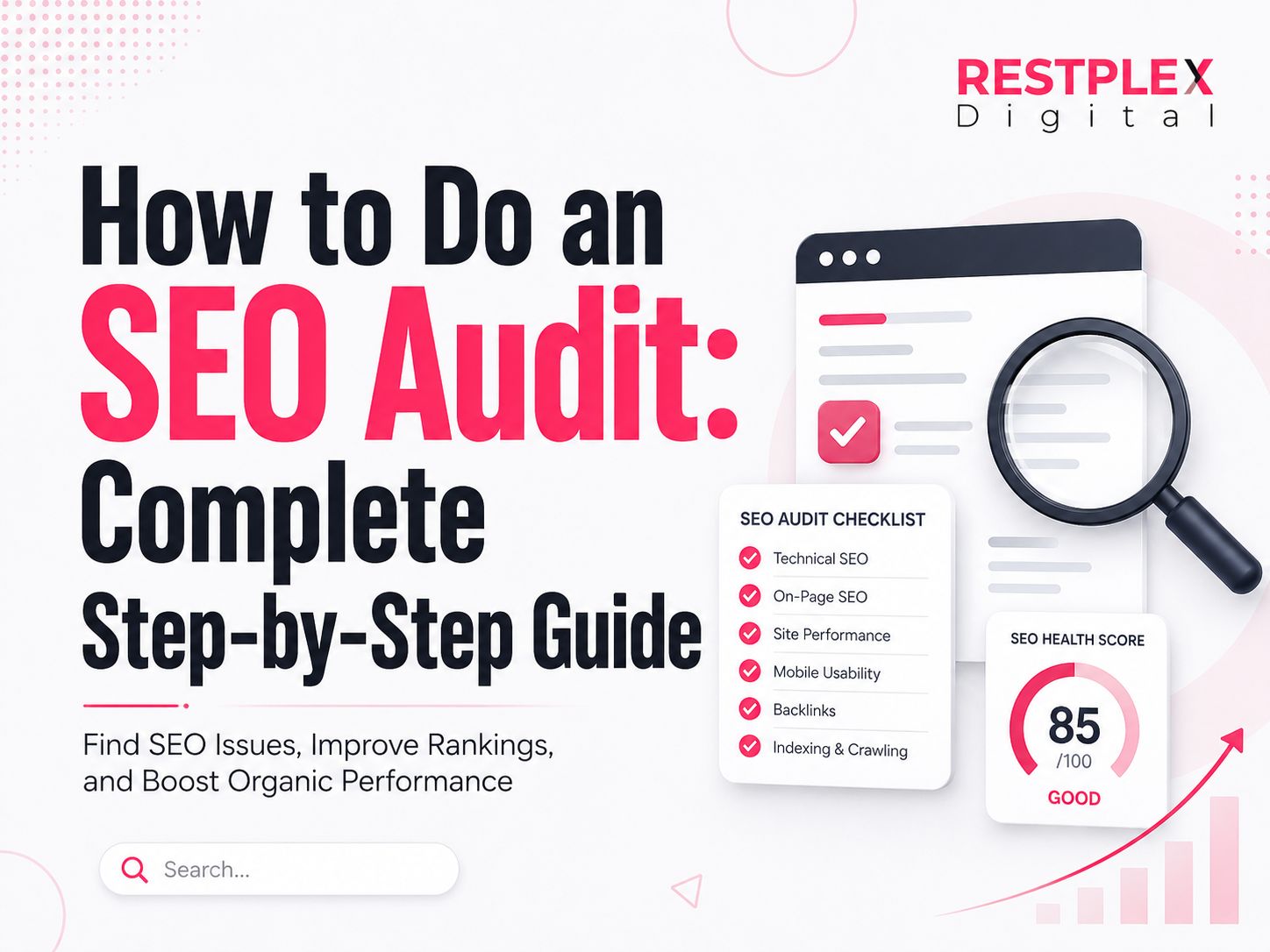
How to Do an SEO Audit: Complete Step-by-Step Guide
- June 27, 2026
Introduction
Your rankings dropped. Organic traffic is inconsistent. A competitor just outranked you for a keyword you’ve dominated for years. Before publishing more content or building more backlinks, you need to identify what’s actually limiting your search performance.
That’s where an SEO audit helps.
A complete SEO audit reveals technical issues, content gaps, on-page weaknesses, authority problems, and AI-search visibility limitations that can suppress rankings. In 2026, a strong audit no longer focuses only on traditional Google rankings, it also evaluates whether your content is discoverable, extractable, and cite-worthy for AI-powered answer engines.
This guide explains exactly how to do a complete SEO audit step by step.
What Is an SEO Audit?
An SEO audit is a systematic evaluation of a website’s ability to rank in search engines and answer engines. It identifies technical issues, content weaknesses, on-page optimization gaps, and authority problems that prevent pages from performing well in organic search.
A complete SEO audit evaluates six core areas:
- Technical SEO
- On-page SEO
- Content quality
- Off-page authority
- Structured data
- Answer engine readiness (AEO)
Each layer affects visibility differently, and issues across multiple layers often compound.
Why SEO Audits Matter in 2026
Search has changed dramatically.
Google now blends traditional search results with AI-generated answers, AI Overviews, rich snippets, and entity-based retrieval. Ranking #1 still matters—but visibility increasingly depends on whether your content can also be extracted and cited by AI systems.
Regular SEO audits matter because:
- Critical technical issues can silently remove pages from search
- Content can lose rankings when search intent changes
- Backlink authority naturally decays over time
- AI answer engines increasingly prefer structured, concise, citation-worthy content
Google’s ranking systems also evaluate broader site quality signals, including usefulness, originality, expertise, and user satisfaction—not just keyword targeting.
Businesses that audit proactively usually outperform those that react only after traffic drops.
Tools You Need Before You Start
You can perform a strong audit using both free and paid tools.
Free Tools
- Google Search Console — indexing, crawl errors, Core Web Vitals, URL inspection
- Google Analytics 4 — organic landing pages, engagement rate, conversions
- PageSpeed Insights — performance and Core Web Vitals
- Rich Results Test — structured data validation
- Chrome DevTools — performance and rendering diagnostics
Paid Tools
- Screaming Frog SEO Spider — crawl analysis, redirects, metadata, internal links
- Ahrefs / Semrush — backlinks, competitor gap analysis, keyword data
- Sitebulb — visual audit reports
- Screaming Frog Log File Analyser — advanced crawl budget analysis
Start with Search Console and Screaming Frog. Add enterprise tools if your site has hundreds or thousands of pages.
How to Perform an SEO Audit (Quick Answer)
To perform an SEO audit:
- Check crawlability and indexation
- Test speed and page experience
- Review on-page optimization
- Audit content quality and search intent
- Analyze backlinks and authority
- Validate schema and AI search readiness
Step 1: Technical SEO Audit
Technical SEO is the foundation. If search engines cannot crawl, render, or index your pages, content quality won’t matter.
Crawlability and Indexation
First, verify whether search engines can access your important pages.
In Google Search Console, check:
- Indexed pages
- Excluded pages
- Crawled but not indexed
- Discovered but not indexed
These statuses often indicate crawl or quality problems.
Check your robots.txt file for accidental blocking.
Common mistakes include:
- Blocking
/blog/ - Blocking JS or CSS files
- Disallowing staging rules on production
Run a crawl using Screaming Frog and inspect:
- Broken links (4xx)
- Server errors (5xx)
- Redirect chains
- Orphan pages
Also review your XML sitemap.
Your sitemap should contain only:
- Canonical URLs
- Indexable pages
- Status 200 URLs
Remove redirected or noindex pages.
JavaScript Rendering
This is a major 2026 audit requirement.
Modern websites often use:
- React
- Next.js
- Vue
- Angular
Google can render JavaScript, but rendering delays or hydration issues may prevent proper indexing.
Audit for:
- Content loaded only after JS execution
- Lazy-loaded content not rendering
- JS-generated internal links
- Missing rendered HTML
Use:
- Search Console URL Inspection
- Screaming Frog JavaScript Rendering Mode
- Browser source vs rendered DOM comparison
Page Speed and Core Web Vitals
Page experience matters, but it is not a primary ranking factor. Strong relevance and useful content usually outweigh speed alone.
Still, poor performance hurts engagement and conversions.
Measure these Core Web Vitals:
LCP (Largest Contentful Paint)
Measures loading speed.
Target: under 2.5 seconds
INP (Interaction to Next Paint)
Measures responsiveness.
Target: under 200ms
CLS (Cumulative Layout Shift)
Measures visual stability.
Target: under 0.1
Audit high-traffic pages first.
Common issues:
- Unoptimized images
- Heavy JavaScript
- Third-party scripts
- Slow hosting
- Render-blocking CSS
Mobile Usability
Google primarily indexes the mobile version of websites.
Check for:
- Small text
- Layout overflow
- Overlapping elements
- Poor tap targets
- Intrusive popups
A site that works perfectly on desktop but poorly on mobile will struggle.
HTTPS and Security
Ensure every URL loads via HTTPS.
Audit for:
- HTTP pages
- Mixed content
- Expired SSL certificates
- Unsafe third-party scripts
Security affects trust and user experience.
Crawl Budget (Large Sites)
Important for sites with 10,000+ URLs.
Audit crawl waste from:
- Faceted navigation
- Parameter URLs
- Duplicate archives
- Infinite calendars
- Session-based URLs
Wasted crawl budget delays indexing of important pages.
Server Log Analysis (Advanced)
For large sites, analyze server logs.
This reveals:
- Googlebot crawl frequency
- Frequently crawled low-value pages
- Orphan URLs still receiving crawl budget
- Important pages rarely crawled
Log analysis provides insights unavailable in normal crawls.
Step 2: On-Page SEO Audit
Once technical issues are addressed, evaluate page-level optimization.
Title Tags and Meta Descriptions
Every important page should have a unique title tag.
Best practices:
- Under ~60 characters
- Include primary keyword naturally
- Include intent or benefit
Example:
Good:
How to Do an SEO Audit: Step-by-Step Guide
Meta descriptions don’t directly improve rankings, but they strongly affect click-through rate.
Write descriptions that include:
- Primary keyword
- Benefit
- Clear value proposition
Keep under 155 characters.
Header Tags and Keyword Alignment
Each page should have:
- One H1
- Logical H2s
- Supporting H3s
Your H1 should clearly describe the topic.
Check for:
- Missing H1s
- Multiple H1s
- Poor hierarchy
- Irrelevant headings
Also verify primary keywords appear naturally in:
- H1
- Introduction
- Body copy
- Supporting headings
Avoid keyword stuffing.
Semantic relevance matters more than repetition.
URL Structure
SEO-friendly URLs should be:
- Short
- Descriptive
- Lowercase
- Hyphenated
Good:
/seo-audit-guide
Weak:
/blog/the-complete-guide-to-performing-an-seo-audit-in-2026
Avoid:
- Dates
- Parameters
- Session IDs
- Random strings
Internal Linking
Internal links help distribute authority and improve crawl paths.
Audit for:
- Orphan pages
- Broken internal links
- Weak anchor text
- Important pages buried deep
Use descriptive anchors instead of generic phrases like “click here.”
Internal linking remains one of the highest-ROI SEO improvements.
Step 3: Content Audit
Even technically perfect sites fail if content doesn’t satisfy users.
Search Intent Match
Search intent determines what users expect.
Common intent types:
- Informational
- Commercial
- Transactional
- Navigational
Search the target keyword and analyze top-ranking results.
Ask:
- What format ranks?
- What depth ranks?
- What angle ranks?
If Google rewards listicles and your page is an essay, intent mismatch may be the problem.
Thin and Duplicate Content
Thin content offers little original value.
Flag pages that are:
- Too short
- Low quality
- Generic
- Unhelpful
Ask:
Does this page deserve to exist?
If not:
- Merge
- Improve
- Redirect
- Remove
Also check for duplicates caused by:
- WWW vs non-WWW
- HTTP vs HTTPS
- Parameters
- Pagination
- Canonical issues
Use canonical tags correctly.
Content Freshness
Some content ages quickly.
Examples:
- SEO
- Marketing
- Software
- Legal content
- Pricing pages
Refresh outdated:
- Statistics
- Screenshots
- Examples
- Tool references
Fresh content improves trust and relevance.
Information Gain
This matters more than ever.
AI systems rarely cite generic summaries.
Ask:
What unique value does this page provide?
Examples of information gain:
- Original frameworks
- Case studies
- Proprietary data
- Expert analysis
- Contrarian insights
This is a major ranking differentiator.
Step 4: Off-Page SEO Audit
Backlinks remain strong authority signals.
Backlink Profile
Audit:
- Referring domains
- Link quality
- Anchor distribution
- Link growth trend
- Top-linked pages
Compare your authority with competitors.
A large authority gap often explains ranking differences.
Focus on quality over volume.
One strong editorial link can outweigh hundreds of weak links.
Suspicious Links
Avoid calling every low-authority link “toxic.”
Google ignores most spam automatically.
Investigate links from:
- Link schemes
- Paid networks
- Hacked sites
- Spam campaigns
Use disavow only when:
- You have a manual action
- There is clear manipulation
- Spam is severe
Use the disavow tool sparingly.
Step 5: Structured Data and Schema Audit
Structured data improves machine understanding.
It helps search engines interpret:
- Entities
- Authors
- Topics
- Relationships
Validate schema using Rich Results Test.
Priority schema types:
- Article
- FAQ
- Organization
- Person
- Breadcrumb
Optional:
- HowTo
- Speakable
- Product
Also verify:
- No schema errors
- Correct nesting
- Accurate entity references
Strong schema improves both SEO and AI retrieval.
Step 6: Answer Engine Optimization (AEO) Audit
This is the biggest addition to modern SEO.
AI systems retrieve content differently than search engines.
They prefer content that is:
- Clear
- Structured
- Concise
- Trustworthy
- Easy to cite
Answer Extraction
Can AI easily extract answers from your content?
Best formats:
- Definition blocks
- Numbered steps
- Tables
- Bullet lists
- FAQ sections
Weak formats:
- Long fluff intros
- Buried answers
- Unstructured text
Put answers near the top.
Citation Worthiness
Ask:
Why would AI cite your page over competitors?
High citation probability content includes:
- Unique statistics
- Real examples
- Case studies
- Expert commentary
- Proprietary frameworks
Generic content gets summarized, not cited.
Entity Clarity
AI retrieval relies heavily on entities.
Clearly reference important entities such as:
- Search Console
- Screaming Frog
- Ahrefs
- Semrush
Explain relationships explicitly.
Example:
Instead of:
Use Ahrefs for backlinks.
Write:
Ahrefs helps audit backlink quality, referring domains, anchor text, and link growth trends.
This improves machine understanding.
How to Prioritize Audit Findings
An audit often produces hundreds of issues.
Not all deserve equal attention.
Use this framework.
High Priority (Fix First)
- Indexing problems
- Crawl blocks
- Server errors
- Broken internal links
- Critical schema errors
- Major intent mismatches
These directly hurt visibility.
Medium Priority
- Thin content
- Missing schema
- Redirect chains
- Weak internal links
- Poor entity clarity
These affect performance but are less urgent.
Low Priority
- Minor meta description rewrites
- Image alt text improvements
- Cosmetic CWV gains
- Small heading refinements
Useful, but not urgent.
Prioritize by:
Impact × Effort × Revenue Potential
That produces better decisions than tool-generated severity scores.
Common SEO Audit Mistakes
Avoid these common mistakes:
- Fixing low-impact issues first
- Blindly trusting audit tools
- Ignoring search intent
- Obsessing over every backlink
- Treating Core Web Vitals as primary ranking factors
- Running audits without baseline metrics
Tools surface issues.
Humans decide importance.
Read our blog: Common Local SEO Mistakes to Avoid.
How Often to Run an SEO Audit
Recommended frequency:
Small Sites (<100 pages)
1–2 times yearly
Medium Sites
Quarterly
Large Sites
Monthly or continuous monitoring
Always audit after:
- Site migrations
- Redesigns
- CMS changes
- Domain changes
These events commonly introduce SEO regressions.
SEO Audit Checklist
| Area | Key Checks |
|---|---|
| Technical | Crawlability, indexation, rendering, sitemap, CWV |
| On-page | Titles, H1, URLs, internal links |
| Content | Intent, thin content, freshness, information gain |
| Off-page | Referring domains, authority, suspicious links |
| Schema | Article, FAQ, Person, Organization |
| AEO | Answer extraction, entity clarity, citation worthiness |
Conclusion
A complete SEO audit gives you a clear roadmap for improving visibility in both search engines and AI-powered answer engines.
Start with technical SEO to ensure search engines can crawl, render, and index your pages. Then evaluate on-page optimization, content quality, authority signals, structured data, and AEO readiness.
The goal isn’t to fix every warning from an audit tool.
The goal is to identify the issues that most limit growth—and fix those first.
SEO in 2026 is no longer just about ranking pages.
It’s about becoming the most trusted, structured, and cite-worthy source for both humans and machines.
Frequently Asked Questions (FAQs)
A complete SEO audit includes technical SEO, on-page optimization, content quality, backlink analysis, structured data validation, and answer engine optimization.
Small websites may take 2–4 hours. Medium sites often require 8–20 hours. Enterprise audits may take days or weeks.
Yes. Google Search Console, PageSpeed Insights, and the free version of Screaming Frog cover most core audit tasks.
A technical audit focuses on crawling, rendering, indexing, speed, and security. A full audit includes technical, content, on-page, off-page, schema, and AEO analysis.
Serious issues usually affect:
- Indexation
- Crawlability
- Revenue pages
- High-traffic pages
Focus on business impact, not issue count.
Share
Article by

Mehedi Hasan Juwel
Digital Marketing Strategist